ModelRouter — AiRanger

Loading...
Home
Models
Probes
API Management
Knowledge Base
Ai Ranger
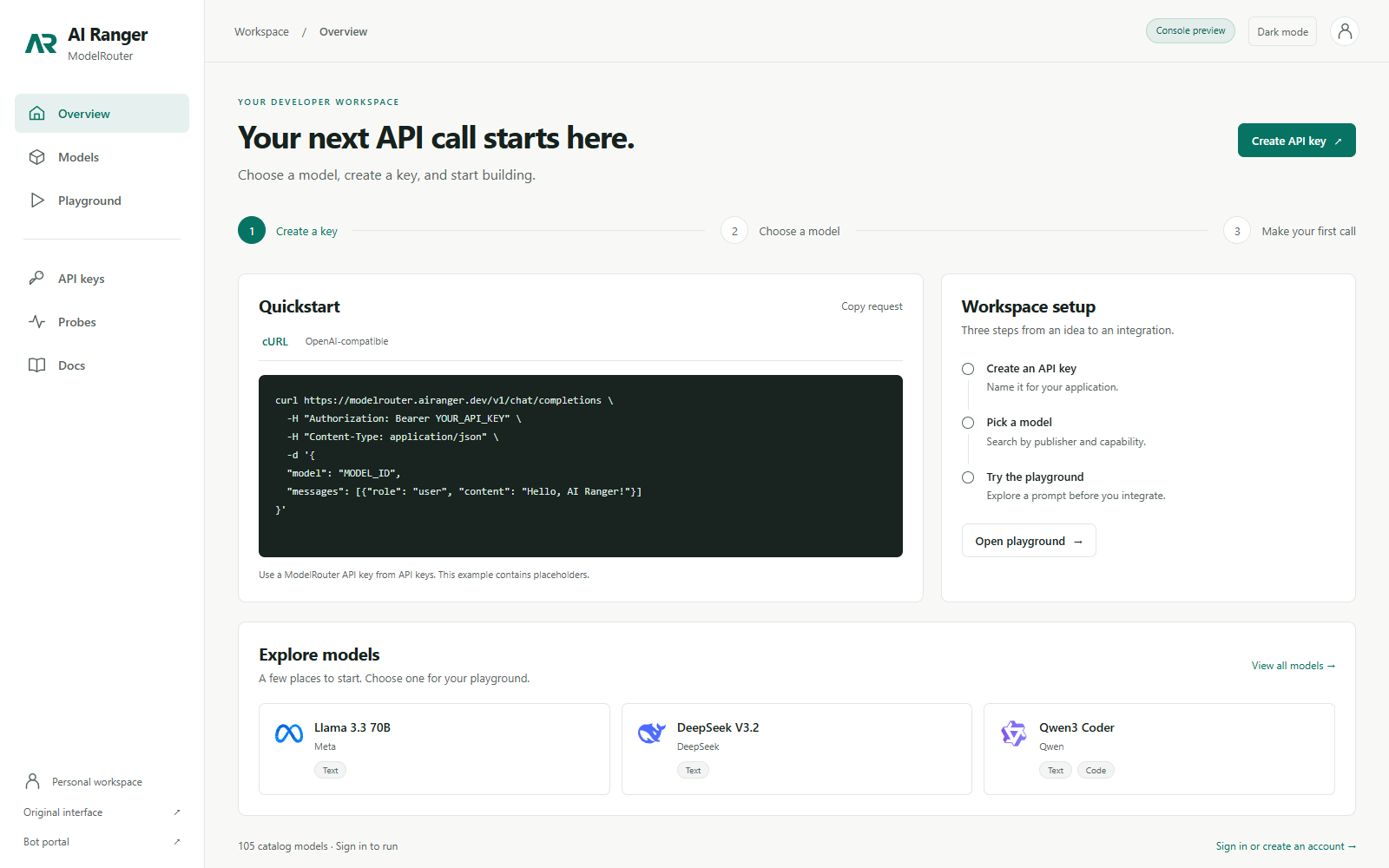
Single API access for AI Operators.
One connection. Many models. Intelligent routing.
Ai Ranger gives AI Operators a single API to access and route across models. Bring your own API keys from your existing services and we aggregate the connections, or use one of our APIs to intelligently route requests to the right model.

Unified access

Connect once and reach multiple model providers without changing your integration.

Bring your own API

Use your existing vendor keys while Ai Ranger aggregates and simplifies routing.

Intelligent routing

Prefer cost, latency, or capability. Ai Ranger routes to the best-fit model automatically.

Operational clarity

Monitor availability and performance from a single surface area.

🤖 Bot Integration Portal

Access the dedicated bot interface for generating integration code, viewing verified available models, and managing bot deployments.

Visit Bot Portal →

Chat Session No model selected

Select a model and click "Start Chat" to begin a conversation.
Tip: Start in the Models tab to test a model, then switch to Probes for availability runs.
Select a model from the sidebar
3
1.5
30
OK: 0 Err: 0 Tmo: 0 429: 0

API Management

Rate Limiting - NVIDIA API

NVIDIA API has a rate limit of 40 requests per minute (RPM)

Loading...

Your API Keys

Generate API keys for programmatic access. Use as Authorization: Bearer ar_...

Loading...

Available Endpoints

GET /api/models - List all models
GET /api/models/available - List only available models (status=ok)
GET /api/models/unavailable - List unavailable models (errors, timeouts)
GET /api/publishers - List all publishers with model counts
GET /api/availability - Get availability status for all models
GET /api/rate-limit - Get current rate limit status
GET /api/probe/single?model_name=...&prompt=...&max_tokens=... - Probe single model
GET /api/probe/stream - Run batch probe (SSE stream)
GET /api/probe/state - Get probe running state
POST /api/chat - Send chat request
GET /api/chat/stream - Stream chat response (SSE)
POST /api/chat/stream/multi - Multi-turn streaming chat (SSE)
GET /api/reports/latest - Get latest probe report
POST /api/keys/generate - Generate a new API key
GET /api/keys - List your API keys
DELETE /api/keys/{id} - Revoke an API key

Quick API Tests

Knowledge Base

Reference documentation for integrating with AiRanger ModelRouter.

Bot & Agent API Integration

Overview

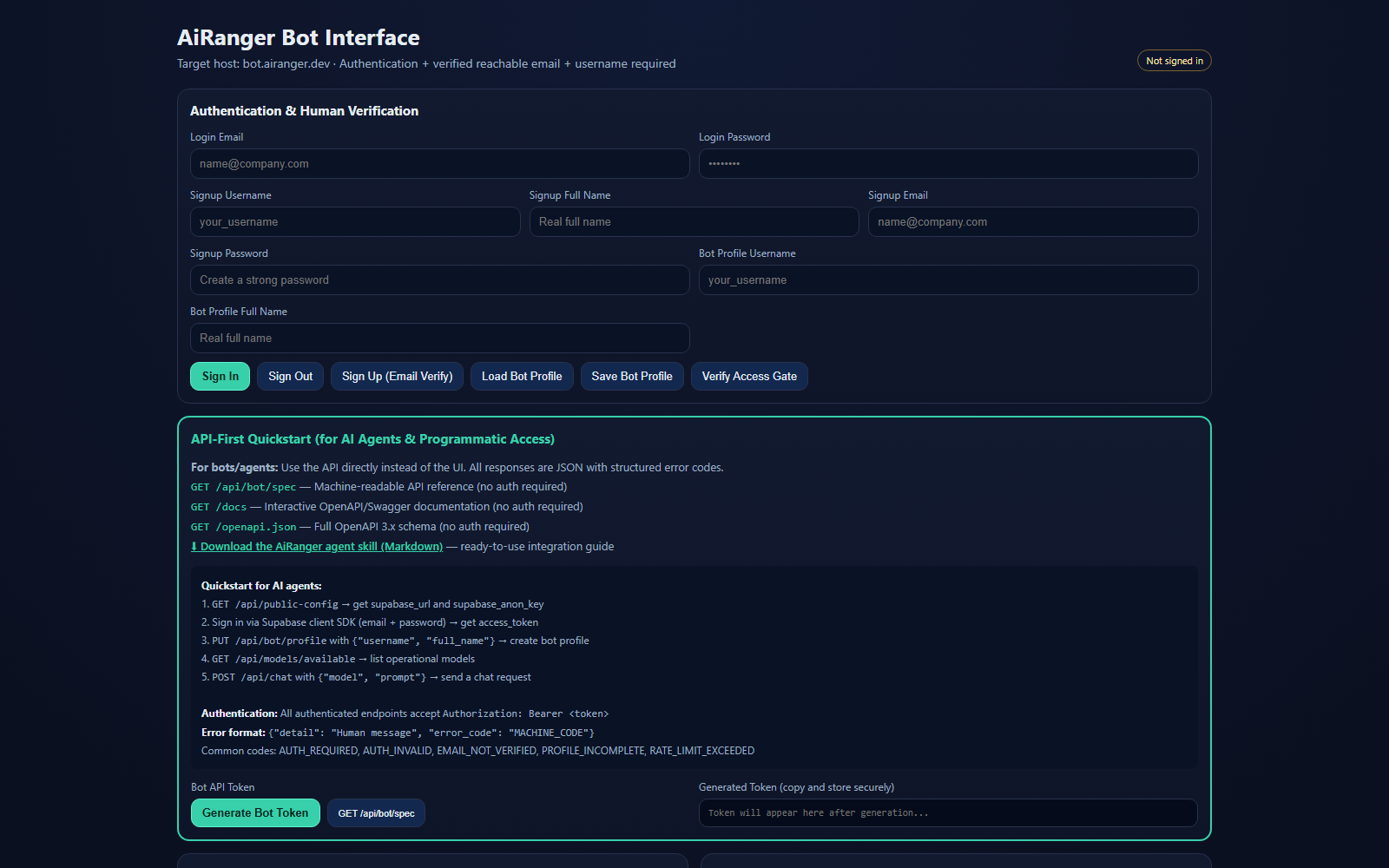
AiRanger ModelRouter exposes a REST + SSE API for programmatic access. Bots and AI agents can authenticate, discover endpoints, and stream multi-turn conversations.

Authentication

  • Bot API Key — Pass X-API-Key: <your-key> in request headers. Generate keys from the bot interface at bot.airanger.dev.
  • Bearer Token — Pass Authorization: Bearer <jwt> using a Supabase session token.

API Discovery

A machine-readable endpoint spec is available at GET /api/bot/spec (no auth required). It returns a JSON document listing all endpoints, auth methods, error codes, and a quickstart guide.

Core Endpoints

MethodPathDescription
GET/api/modelsList all models (filterable by capability, publisher, search)
GET/api/models/availableList only models with status=ok
GET/api/publishersList publishers with model counts
GET/api/availabilityAvailability status for all models
POST/api/chatSingle-turn chat (JSON body)
GET/api/chat/streamSingle-turn streaming chat (SSE)
POST/api/chat/stream/multiMulti-turn streaming chat (SSE)
GET/api/probe/singleProbe a single model
GET/api/probe/streamRun batch probe with SSE results
GET/api/reports/latestLatest probe report JSON

Multi-turn Chat Example

POST /api/chat/stream/multi
Content-Type: application/json
X-API-Key: your-key

{
  "model": "meta/llama-3.1-8b-instruct",
  "messages": [
    {"role": "user", "content": "Hello!"},
    {"role": "assistant", "content": "Hi there!"},
    {"role": "user", "content": "What can you do?"}
  ],
  "system": "You are a helpful assistant.",
  "temperature": 0.7,
  "max_tokens": 1024
}

The response is an SSE stream with events: token (content chunk), error (error detail), done (completion signal).

Structured Error Responses

All error responses follow a consistent format:

{
  "detail": "Human-readable error message",
  "error_code": "MACHINE_READABLE_CODE"
}
Error CodeMeaning
AUTH_REQUIREDNo authentication provided
AUTH_INVALIDToken expired or invalid
EMAIL_NOT_VERIFIEDEmail verification required
RATE_LIMITEDRate limit exceeded
NOT_FOUNDResource not found
VALIDATION_ERRORInvalid request parameters
Model Routing & Capabilities

How Routing Works

ModelRouter aggregates models from multiple AI providers behind a single API. Each model is cataloged with its publisher, capabilities, and availability status determined by periodic probe tests.

Capabilities

  • chat — Conversational text generation
  • code — Code generation and completion
  • vision — Image understanding and analysis
  • embedding — Vector embeddings for semantic search

Filtering Models

Use query parameters to filter the model list:

GET /api/models?capability=chat&publisher=meta&search=llama

Combine with /api/models/available to only get models that passed their last probe check.

Probe Tests

The Probes tab runs live endpoint checks against all models. Results are streamed in real time and stored as a report. Use GET /api/reports/latest to fetch the last report programmatically.

Getting Started

1. Create an Account

Sign up via the authentication panel in the sidebar. A verified email address is required.

2. Browse Available Models

Use the Models tab to explore all models. Filter by publisher or capability using the sidebar controls. Status dots indicate availability from the last probe run.

3. Start a Chat Session

On the Home tab, select an available model from the dropdown, optionally set a system prompt, and click Start Chat. Messages are streamed in real time.

4. Run Probes

Switch to the Probes tab to run endpoint checks. Configure parallel workers, delay, and timeout, then click Run Probes. Results stream into the terminal pane with color-coded status indicators.

5. API Integration

For programmatic access, generate a bot API key at bot.airanger.dev and use the endpoints listed in the Bot & Agent API Integration entry above. Start with GET /api/bot/spec for full API discovery.

3 of 10 entries